


 Français
 German

Review extracted data instead of re-typing it
ATN Portal reads the form, extracts options and dimensions and flags missing fields. Your engineers verify instead of re-typing.
ATN Portal reads your quotation forms, drives SOLIDWORKS to generate 3D models and manufacturing drawings, prepares the bill of materials (BOM) and quotation, and transfers the data to your ERP. Your engineers validate every stage.
AI-assisted design and quotation automation for custom gate manufacturers
Free diagnostic under NDA · No upfront development payment · Billing starts when the agreed ROI is observed.
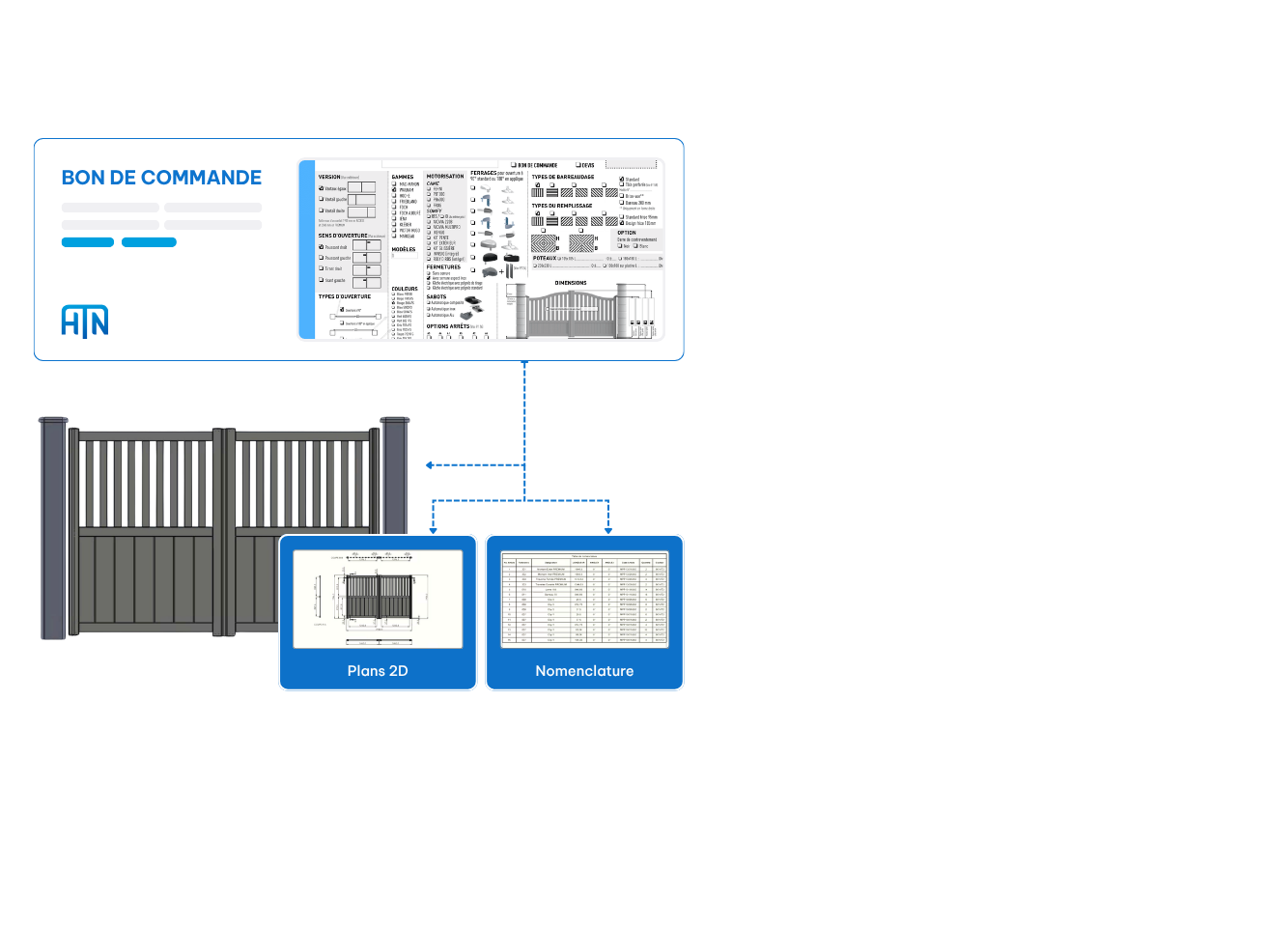
Before: quote request to quotation, previous workflow.
With ATN Portal: same process, assisted automation.
*Reported for one customer use case. Results depend on product range, rules and scope.
In the design office today
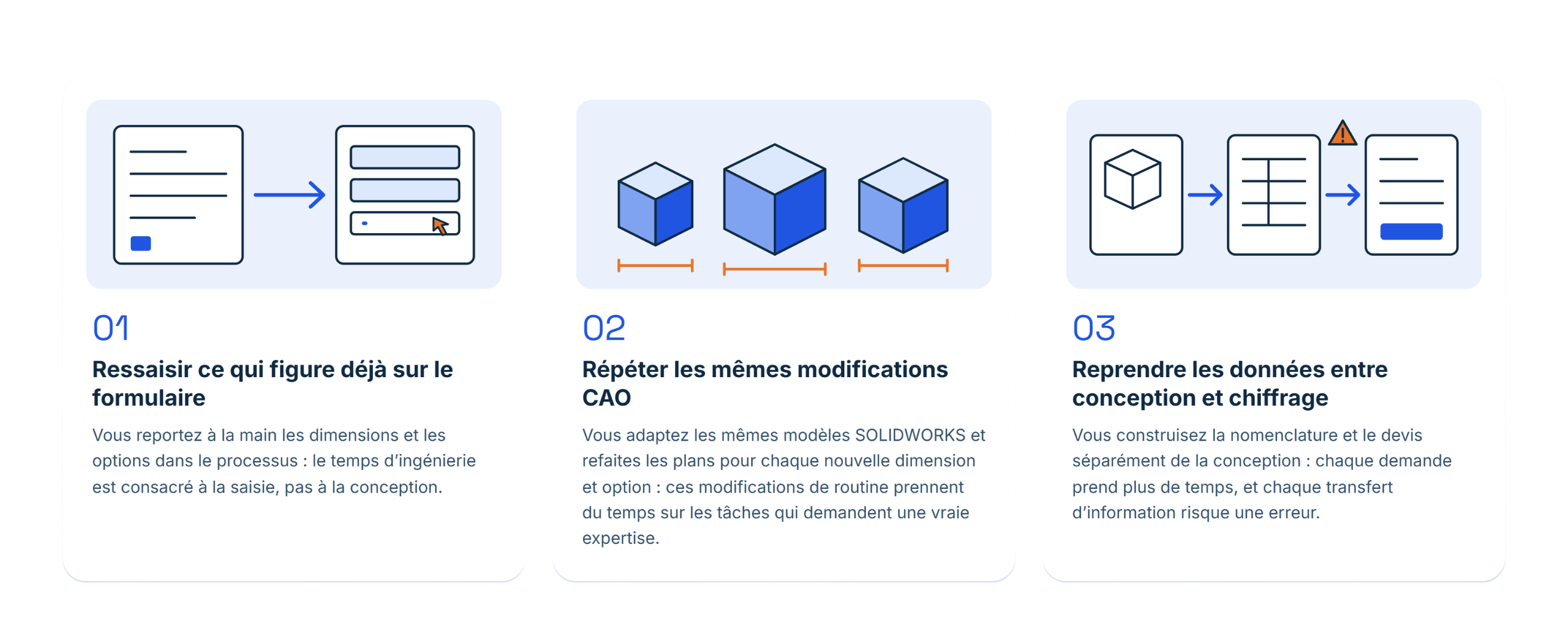
01 — Re-typing what’s already on the form
You key dimensions and options into the workflow by hand, so engineering time goes into data entry instead of design.
02 — Repeating the same CAD edits
You adapt the same SOLIDWORKS models and redo the drawings for every new size and option, so routine edits take time from work that needs real expertise.
03 — Re-handling data between design and pricing
You build the BOM and quotation separately from the design, so every request takes longer and every handoff risks an error.
Your gate ranges are already designed.
Each request still means reading, adapting and preparing again.
See it in action
An anonymised customer case. From the original form to the generated design, drawings and quotation, with each engineer validation step shown.
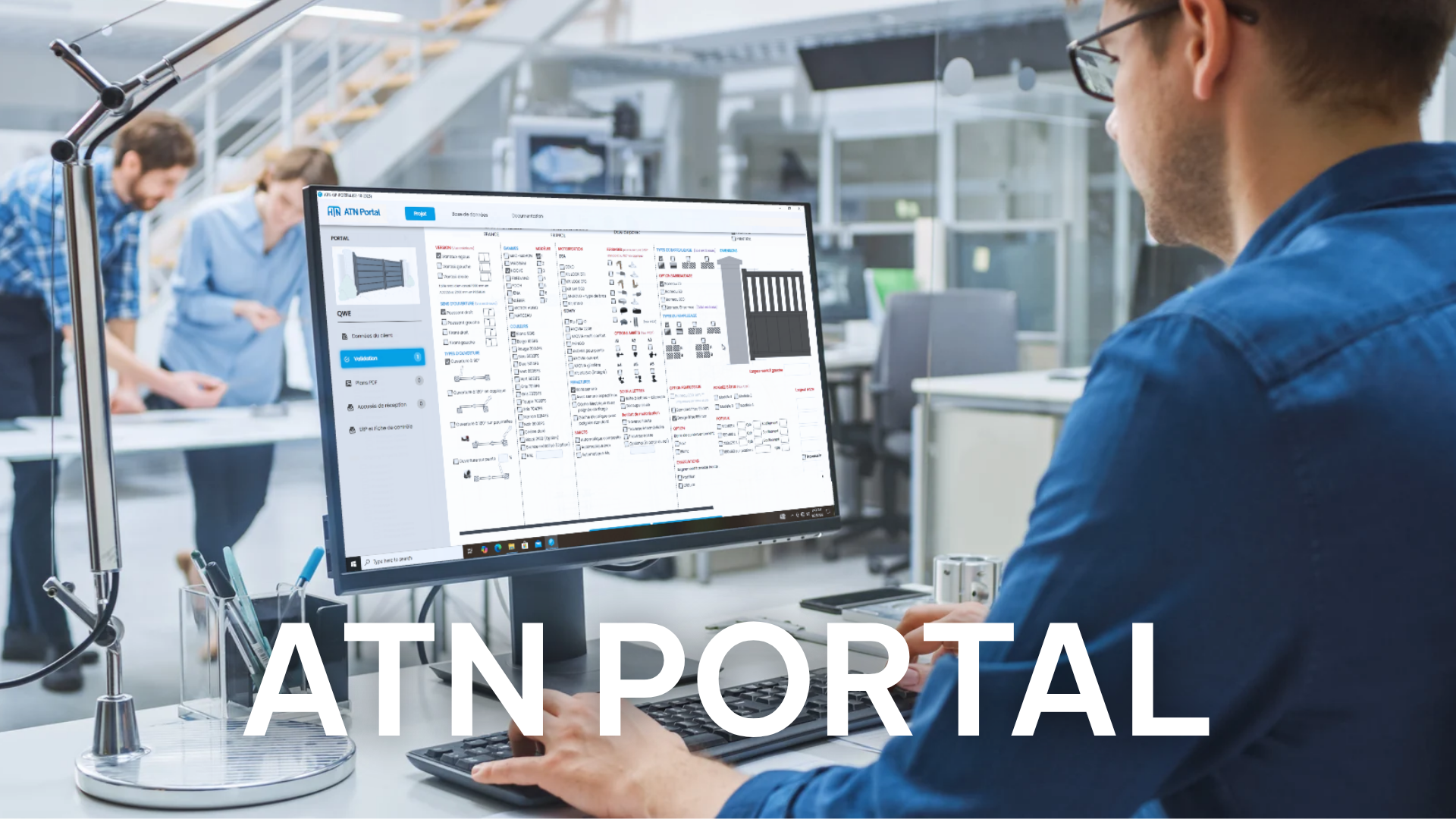 See ATN Portal in action
Want to see it on your own gate ranges and forms? A free feasibility assessment follows the demo.
From request to quotation
ATN Portal automates the repetitive steps between the customer form and the technical and commercial outputs. Your design office retains the key review and validation points.
Start from the quotation form for the gate type. PDFs, scans or photos of structured forms.
Reads options, dimensions and handwritten entries, and flags gaps.
Engineers confirm, correct and complete every value before it is used.
Drives SOLIDWORKS to build the 3D model, manufacturing drawings and BOM from your design rules.
Calculates the quotation. Your team validates it, then the data goes to your ERP.
The ATN Portal approach
ATN Portal reads the form, extracts options and dimensions and flags missing fields. Your engineers verify instead of re-typing.
ATN Portal applies your design rules and drives SOLIDWORKS to produce the 3D model and drawings. Your engineers review, not rebuild.
ATN Portal prepares an exportable BOM, calculates the quotation and transfers data to your ERP. Nothing is re-keyed between steps.

Your engineers check the extracted data, review the designs and validate every quotation before anything is finalised.

ATN Portal is a myATN solution developed by DFM Europe, a digital and scientific engineering company.
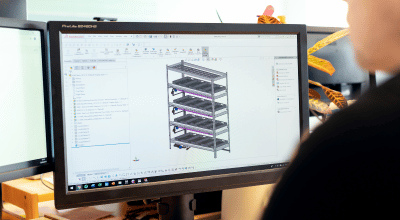
Each gate model gets its own configuration rules and quotation form. We define with your team which operations to automate.

Keep your SOLIDWORKS environment — ATN Portal uses it, it doesn’t replace it. Data transfers to your ERP as configured.

Configuration rules can be adjusted as your ranges and requirements change.
Your CAD and ERP environment
ATN Portal drives your CAD software to generate gate configurations and deliverables. ERP data transfer is defined around your system during the feasibility assessment. ATN Portal does not replace your CAD software.
 Solid Edge
 SOLIDWORKS
 CATIA
 Siemens NX
 AutoCAD
How we work together
Timeline: about six months, depending on scope. Pricing: fixed monthly fee, based on scope, features and estimated ROI. Included: training and support.
We sign a confidentiality agreement, then analyse your quotation forms, documents and current process to validate the project’s feasibility. The diagnostic is free and without commitment.
Once the scope is validated, a contract sets out the objectives, features, delivery timeline and monthly fee agreed in advance. The fee, between €30 and €4,000, is based on project scope, requested features and estimated ROI.
DFM Europe develops and tests your solution against the agreed scope. You make no payment during this phase, until the solution is ready to be deployed.
After deployment, you only start paying once the solution delivers a concrete, measurable ROI, as set out in the contract. Preferential terms for AREA members: to be defined together.
Before you get started
No. ATN Portal works with your SOLIDWORKS environment and automates the repetitive steps around it. The ERP transfer method is assessed for your system.
Yes. It is configured around the structured forms and product rules of each gate range. We review your documents during the feasibility assessment.
Missing information is flagged, and handwriting is recognised, though accuracy can vary. Engineers review and correct every value before it is used.
No. Your engineers review the extracted data, generated designs and quotation before anything is finalised.
Selected configuration values are processed in the cloud. Currently only checkbox-related values are sent, without sensitive customer information. The exact data flow is reviewed in the technical assessment.
About six months, depending on scope. The monthly fee is fixed in the contract, and billing starts once the agreed ROI is observed. See “How we work together” above.